Every order goes to a printer that can print it
All plansColour to the colour printer, A3 to the A3 one. Busy or offline printers are skipped.
NewFor xerox, print & cyber café shops
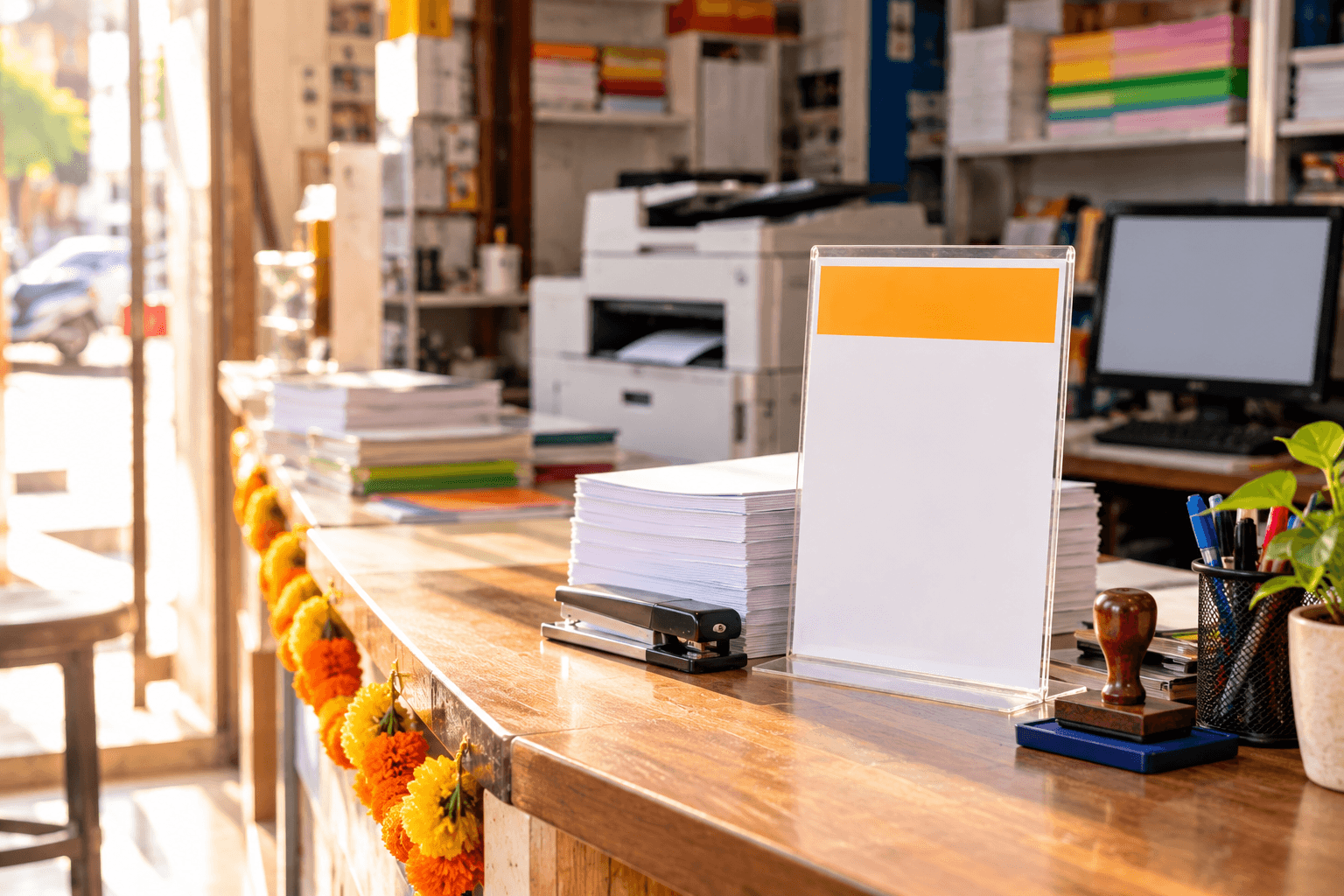
A QR code on your counter takes print orders from customers' phones. Settings and price arrive ready, so you just press print.
अब WhatsApp से प्रिंट नहीं
Today, on WhatsApp
With Zerox Buddy
चार आसान कदम
Customer
क्यूआर कोड स्कैन करें
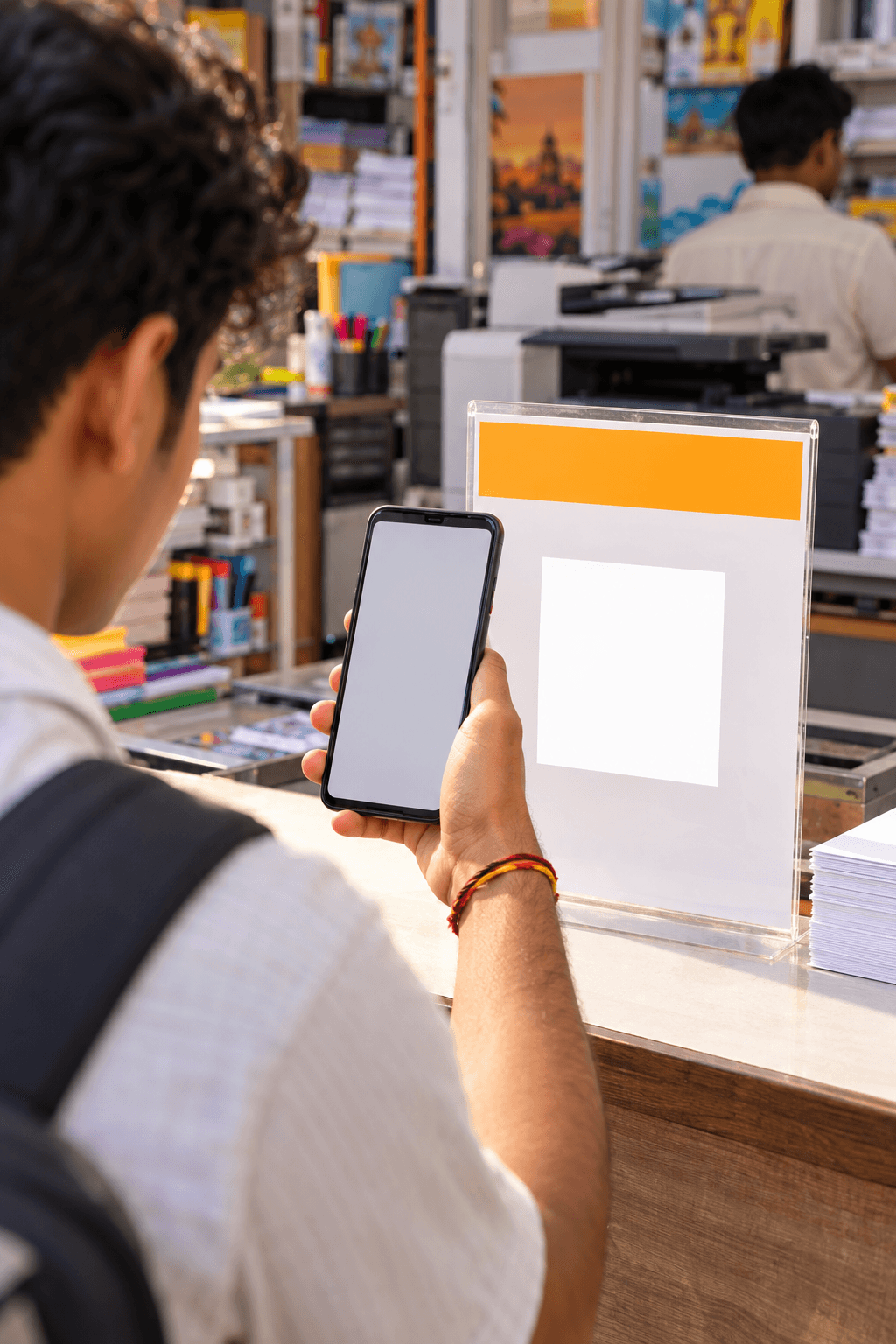
The phone camera opens your shop's upload page in the browser. Customers don't install anything, sign up or give a phone number.
Customer
फ़ाइल भेजें, सेटिंग चुनें
PDF, JPG or PNG. B&W or colour, one or both sides, A4 or A3, copies and page range. The price comes from your rate card. Try it.
Customer
स्पेसिमेन नंबर
They show it at the counter and pay you as they do today. You confirm the final amount.
Your counter
प्रिंट और हिसाब
The order reaches your shop computer. Print it with one click, or let it print automatically on a printer that can handle it. Every order goes into your sales.
Install it on the Windows computer your printers are connected to. Customer orders arrive there with the settings and the amount ready.
 Receiving orders
एक ऐप, पूरी दुकान
Colour to the colour printer, A3 to the A3 one. Busy or offline printers are skipped.
Upload, choose options, send. Then show the specimen number at the counter.
Revenue and pages, B&W against colour. Demo
Customers send a photo through a separate link.
If the computer restarts mid-print, it asks you instead of printing twice.
Scan to PDF, or put both sides of an ID card on one page, from the same counter app.
Customers don't sign up or give a phone number. Files are stored privately in India.
Deleted after printing. Never kept past 24 hours.
7 दिन मुफ़्त
Free trial
₹0for 7 days
Prime
₹299/ month
orPay a share of your sales instead of a monthly fee. We'll agree the rate with you.
Colour, A3, both-sides printing, passport photos, smart routing and full reports.
आपके सवाल, हमारे जवाब
No. They scan your QR code with the phone camera and upload from the browser. No app, no account and no phone number.
A Windows 10 or 11 computer with your printers connected, and Zerox Buddy Desktop installed on it. Zerox Buddy uses your printers' normal Windows drivers.
At the counter, as they do today. Zerox Buddy works out the amount from your rate card, and you confirm the final amount.
Yes, for customer orders: the customer's phone needs internet to send the file, and your counter computer needs it to receive orders.
They are stored privately in India while the order is open, and deleted after printing when auto-delete is on (it is on by default). Files are never kept past 24 hours. The order record keeps the file name and page count for your sales.
QR orders pause until a paid plan is active on your shop. Orders already in your queue still print. To upgrade, contact us and we activate the plan for you.
आज ही अपने काउंटर पर क्यूआर कोड लगाइए
Sign up, print your QR poster and install the desktop app. Every Prime feature is free for 7 days.